1
Join the Tester Group
Become a member of the Google Group used to manage closed-beta access.
Join Google Group Androdex
Use your Android phone to control Codex running on your own computer, with secure pairing and relay-backed remote access when you need it.
Current setup: macOS host bridge, Android client.
A quick look at the app in action, from the connected home screen to live threads and repo-aware controls.
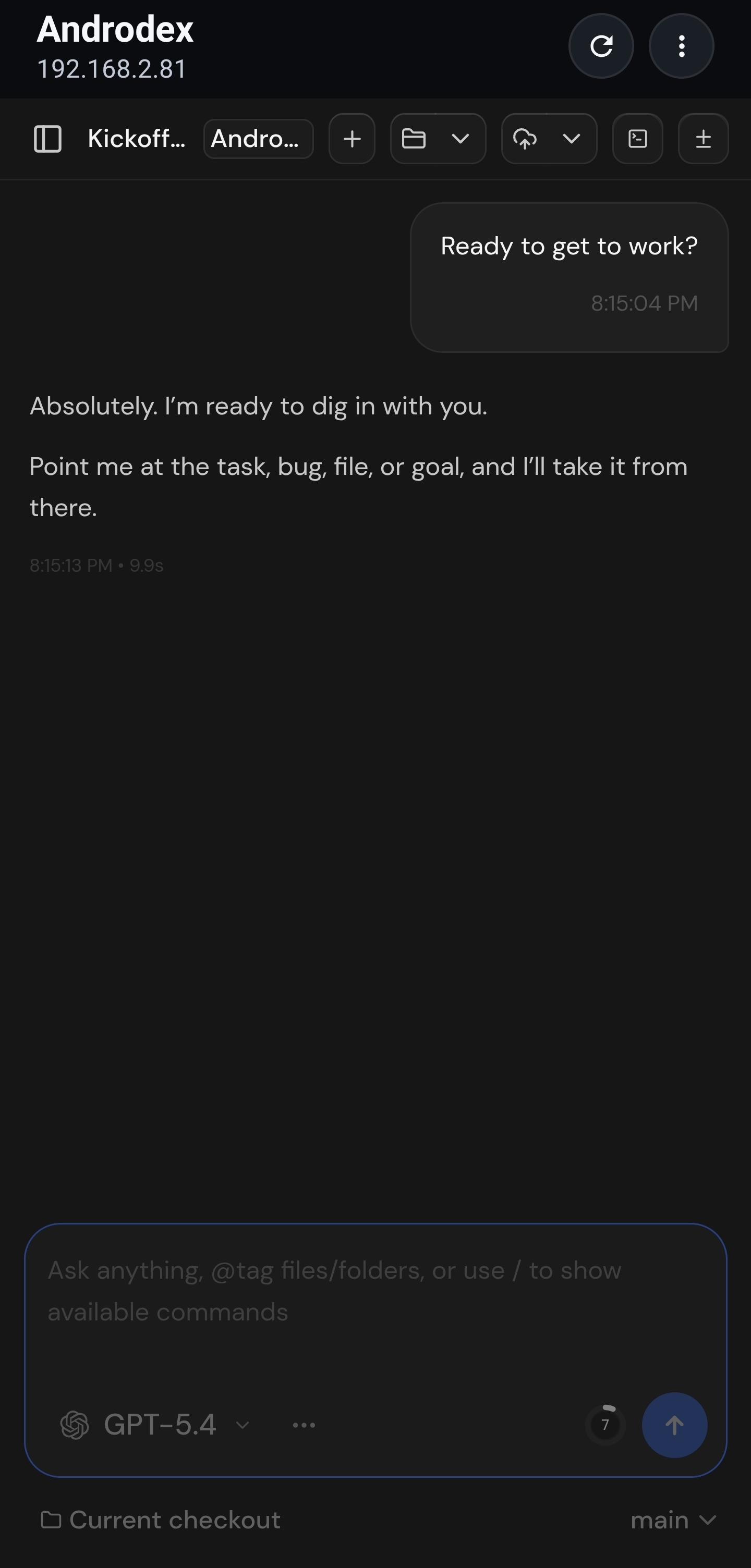
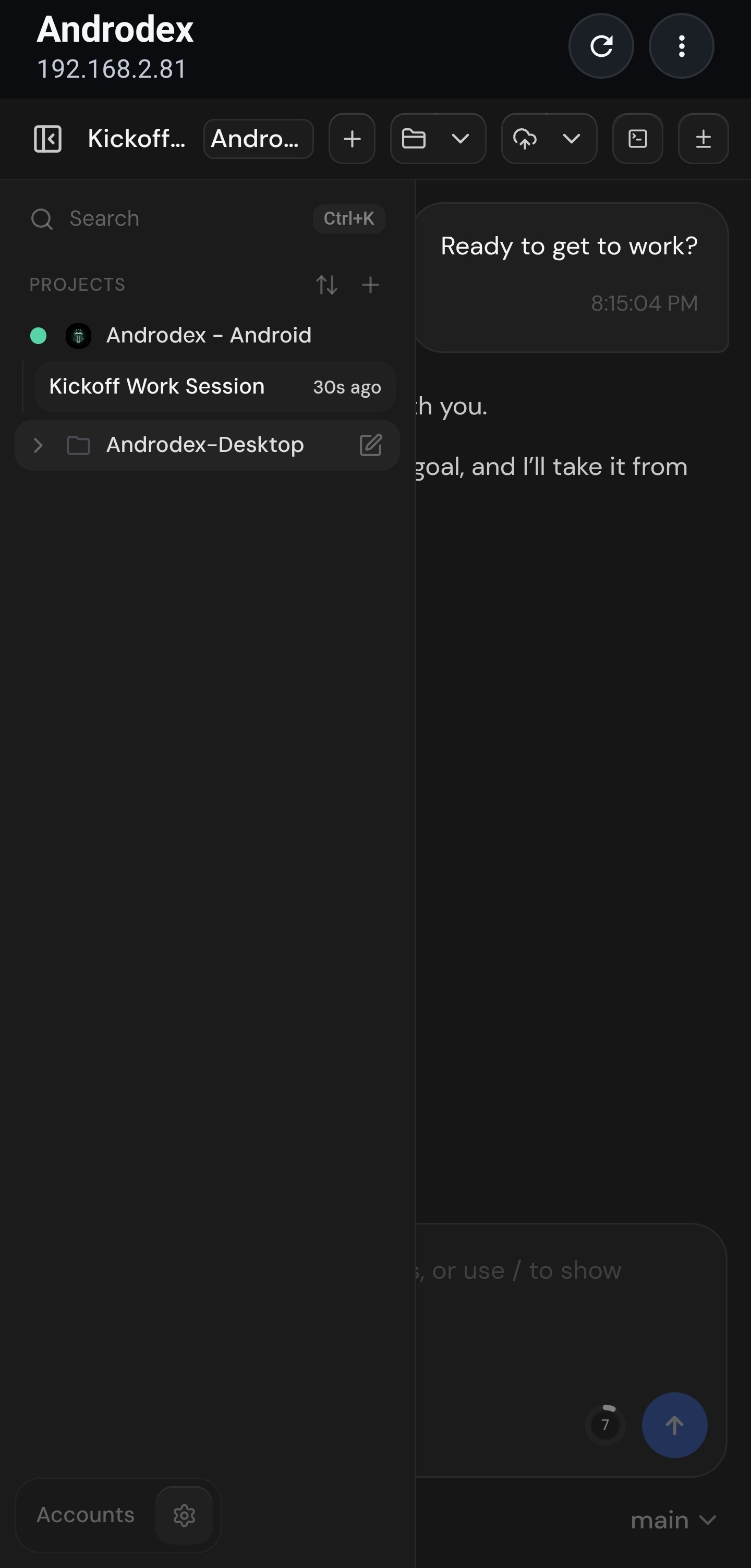
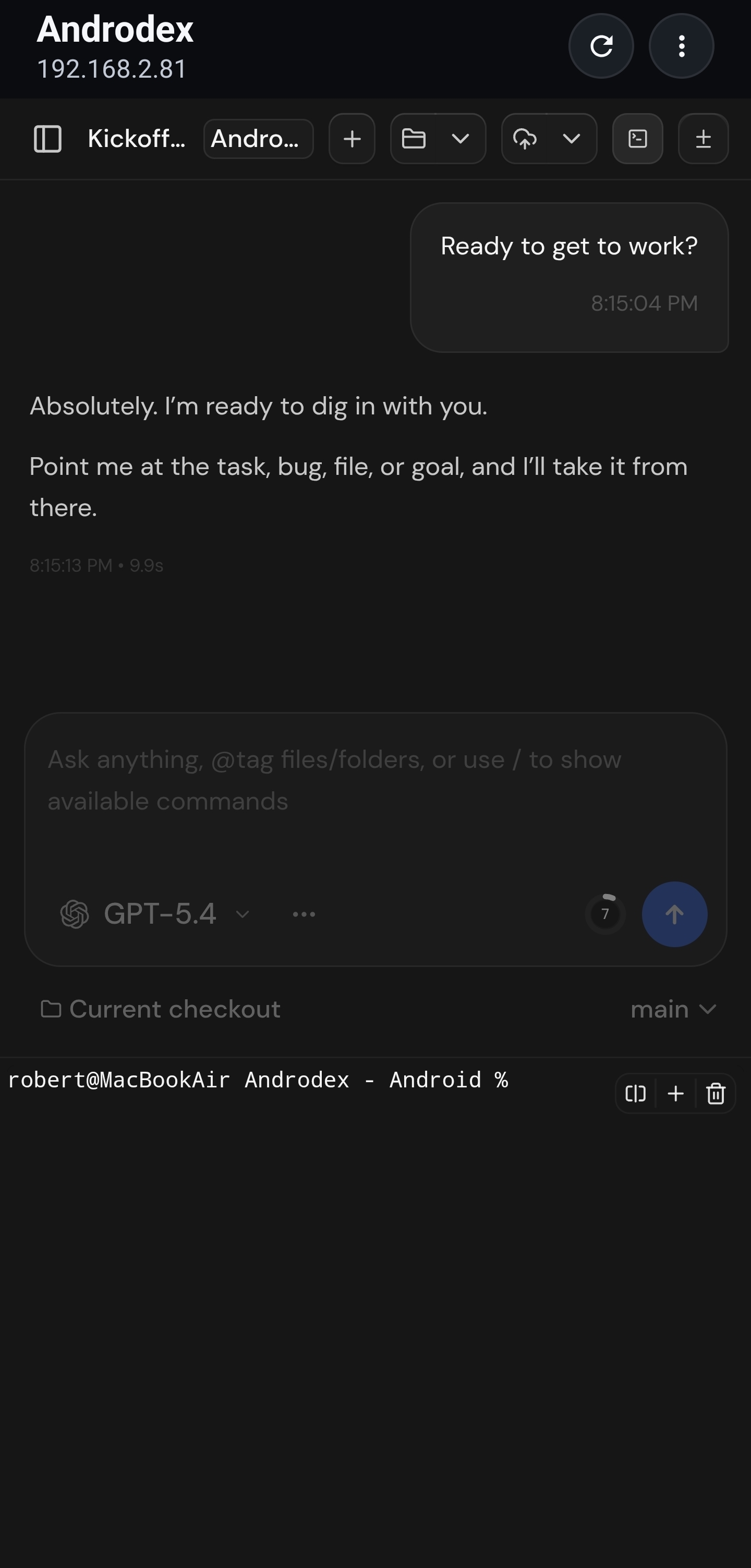
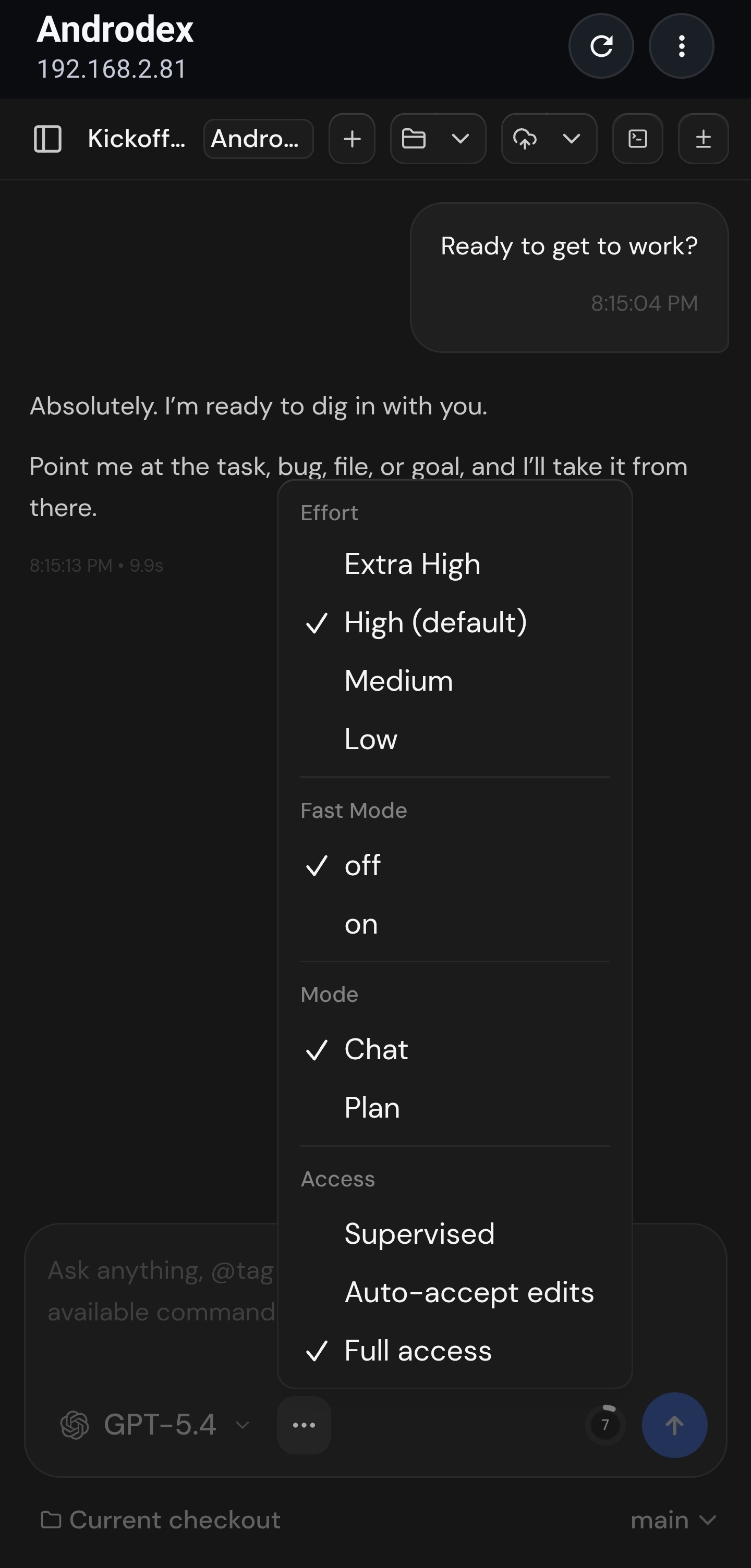
Codex runs on your computer. Your repository, git commands, and workspace stay on the host instead of moving to your phone.
Pair your phone with your computer once, then use Androdex over an encrypted connection for app traffic between them.
Track active threads, inspect repo state, and keep momentum when you are away from the keyboard but still working from your own host environment.
There is no manual approval queue now. Join the tester group first, then opt into the Google Play beta with the same Google account.
Become a member of the Google Group used to manage closed-beta access.
Join Google GroupAfter joining the Google Group, open the Play beta link and complete the tester opt-in.
Continue to Google PlayUse the same Google account for both steps. If Google Play says you do not have access yet, wait a minute after joining the group and try the Play link again.